
Extract links.
Clean them up. Export fast.
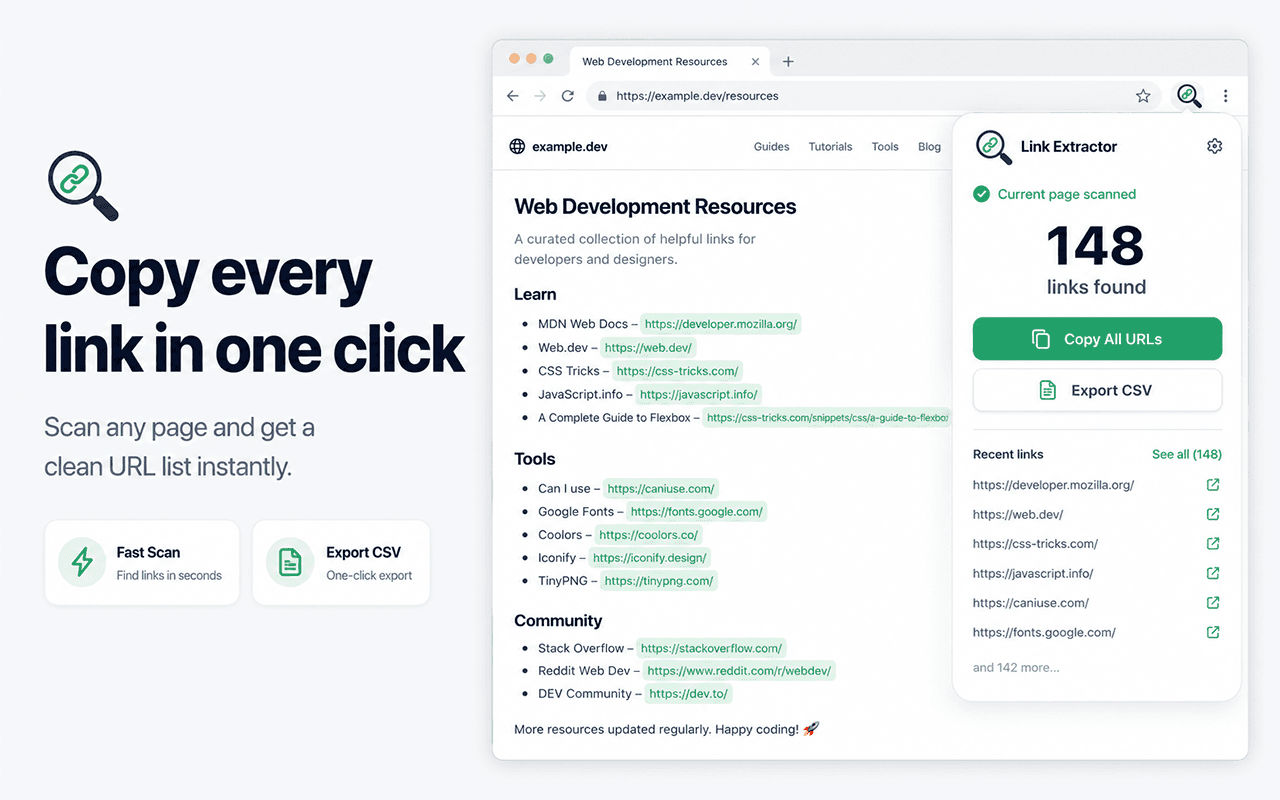
- Extract URLs from pages and tabs
- Filter fast by domain and scope
- Copy and export clean URL sets
- Best for
- SEO, research, admin, CRM, operations
- Primary actions
- Copy URLs and export lists
- Format
- Table-first Chrome extension
Built for real link collection work
Instead of treating URLs like leftovers from a file downloader, the extension helps you work with links as structured output.
Extract URLs from pages and tabs
Scan the current page or all open tabs, then work from one clean list instead of copying links one by one.
Filter fast by domain and scope
Focus the list with domain filters plus same-site and external views so research and admin workflows stay tidy.
Copy and export clean URL sets
Copy selected URLs or export the visible list for spreadsheets, audits, migrations, and handoff workflows.
Handle heavier link workflows
Bring in raw text URL lists, work across multiple tabs, and expand into crawl-driven collection when the job gets bigger.
Best for
- SEO audits and finding broken links
- Extracting reference URLs from articles
- Capturing open tabs for deep research sessions
- Pulling clean URL lists from messy raw text
Not ideal for
- Scraping entire domain trees (works page-by-page)
- Extracting links hidden inside canvas elements
- Executing complex data extraction (like prices or reviews)
Loved by professionals
Thousands of users rely on the extension to speed up their daily workflow.
"Saved me literally 3 hours of right-clicking today. Absolute lifesaver for my university courses. Wish I found this earlier."
"Perfect for grabbing links from our supplier portals. Clean, no-nonsense tool that actually does what it claims."
"I use this to extract dozens of links every week for research. The CSV export feature is incredible."
Guides & Resources
Extract links from a webpage
The core guide to extracting, filtering, and copying all URLs from any webpage.
Extract URLs from text
Paste a messy paragraph of text and extract only the valid URLs.
Copy all tab URLs
Learn how to instantly pull the URLs of every open tab in your browser window.
Export links to CSV
Export structured links and their anchor text directly into a spreadsheet.
Frequently asked questions
- Does it extract hidden links?
- Yes. It parses the actual Document Object Model (DOM) of the webpage, so it finds valid links even if they are visually hidden or located in dropdown menus.
- How does it handle relative URLs?
- Link Extractor automatically resolves relative paths (e.g. '/about') into fully qualified absolute URLs (e.g. 'https://example.com/about') so you never copy broken links.
- Can I export to a spreadsheet?
- Yes. You can export your filtered list directly to a CSV file. The export includes both the destination URL and the anchor text (the clickable words) for easy auditing.
- Can I paste raw text and get the links?
- Yes. The 'Manual Import' feature lets you paste an entire email or document, and the extension will parse out all valid URLs into a clean list.
Stop copying URLs one by one.
Add the extension to Chrome in 2 seconds and extract your first list today.